

Online course captions & translation
Watching a foreign-language course on iPhone without subtitles?
Check the course's own subtitles first. If your language is missing, consider Caplo only when the player allows audio capture.
Udemy and Coursera compatibility has not been tested. Support is not guaranteed.
Check these three steps
Check the course subtitles
Open the player's subtitle and language settings. Prefer the course's own captions when available.
Udemy's subtitle instructionsUse system audio when allowed
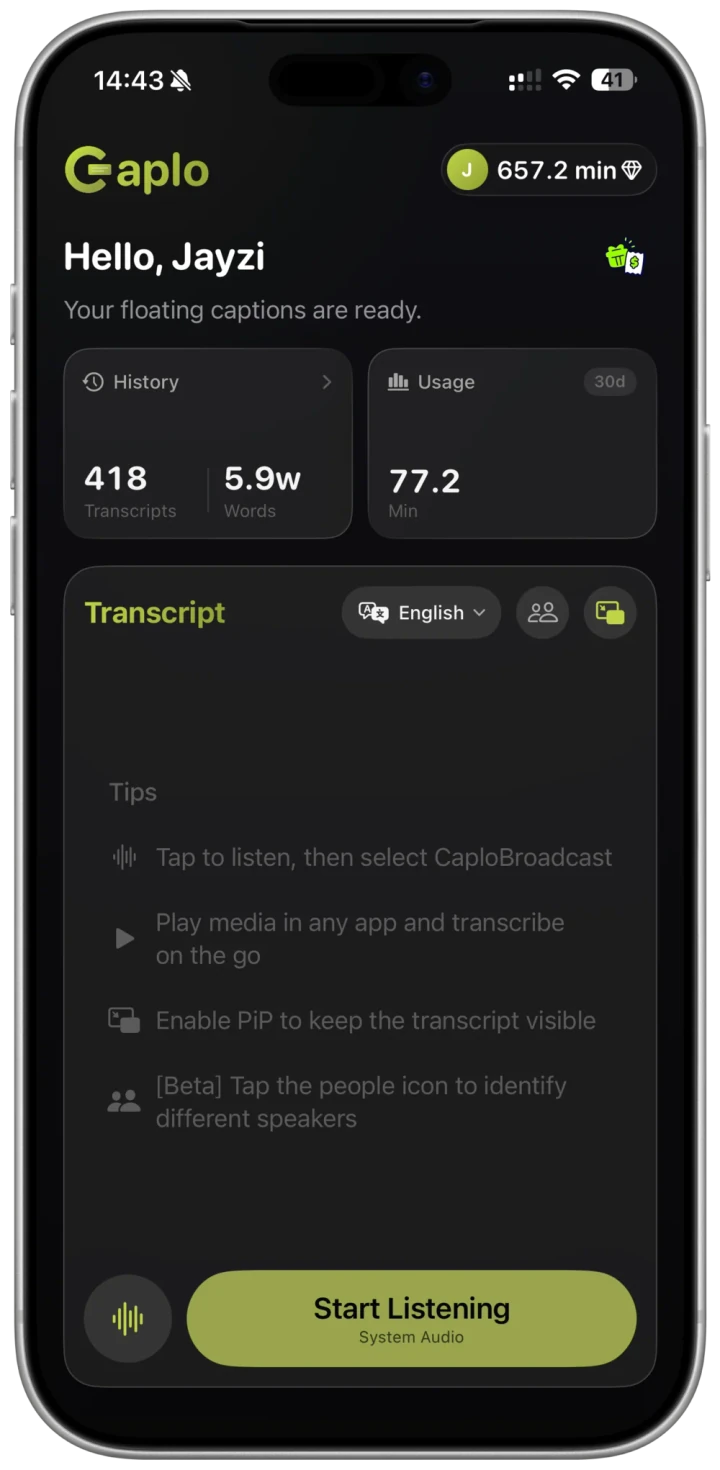
For a course playing on this iPhone, select system audio in Caplo. Start listening and select CaploBroadcast in the iOS broadcast sheet.
Test before translating
Return to the course and check that Caplo receives speech. If text appears, set your translation language; stop the broadcast when finished.
Want to revisit the text? How to save and export
Illustrative captions
Empecemos por la idea principal.
Let's start with the key idea.
When this does not apply
Players that block audio capture
Caplo cannot bypass protected audio or player restrictions. A course without subtitles is not automatically compatible.
Calls in Zoom, Teams and similar apps
Meeting and call audio capture is outside this guide. Check device, language and usage requirements in Caplo.