

Troubleshooting guide
Crunchyroll subtitles not working on iPhone?
Start with the official fixes. If your language is not available, learn how to use live translated captions as a practical fallback.
それでも、前に進まなきゃ。
Even so, we have to keep moving forward.
Quick answer
Check the episode's language tracks first.
If subtitles exist but do not appear, restart the stream and update the app. If your language is not offered at all, live translation can provide a temporary fallback.
Start here
Try these official fixes first
Most subtitle issues come from a language mismatch, a temporary player problem, or content availability—not from your phone.
- 01
Match the audio and subtitle languages
Open the player settings and confirm that the selected subtitle track is available for the current audio. Audio and subtitles are separate controls.
- 02
Reload the episode and restart the app
Close the player completely, reopen Crunchyroll, and test the episode again before changing more settings.
- 03
Update Crunchyroll and iOS
Install available updates for the app and your device. If the issue persists, Crunchyroll also recommends reinstalling the iOS app.
- 04
Check episode, season, and region availability
A language listed for a show may not be available on every episode or season. Regional licensing can also change the available tracks.
If a listed subtitle track still fails after these steps, contact Crunchyroll Support and include your device, iOS and app versions, region, affected episode, and a screenshot of the problem.
Choose your path
Is it broken—or simply unavailable?
The right next step depends on whether a subtitle track should exist in the first place.
Translation fallback
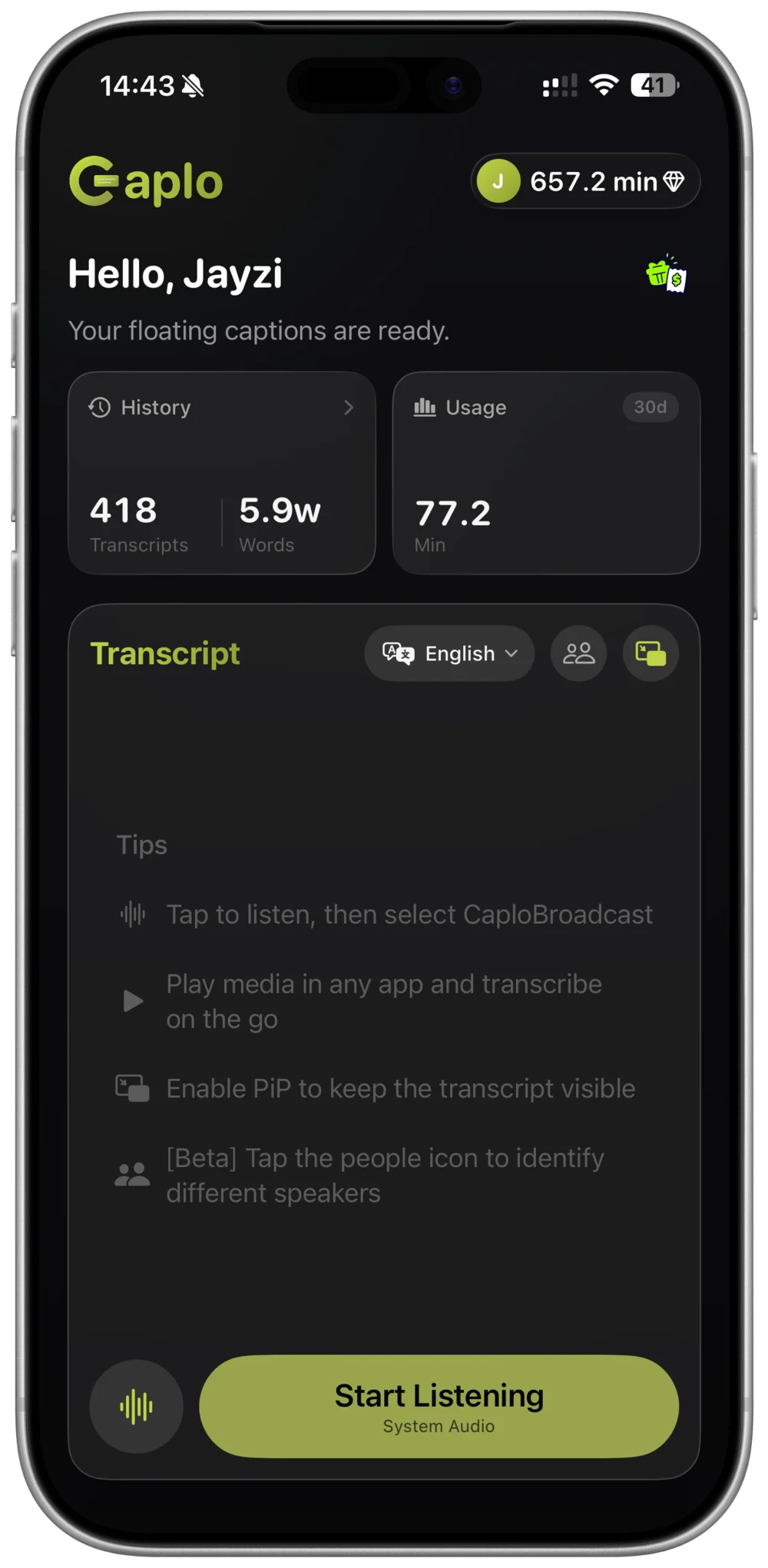
Add live translated captions with Caplo
Caplo listens to app audio and places translated captions in a floating Picture-in-Picture window while you watch.
- STEP 01
Choose languages
Select the spoken language and the language you want to read.
- STEP 02
Start system audio
Begin Caplo's screen broadcast, then return to your video.
- STEP 03
Watch with captions
Keep the translated transcript visible in a floating PiP window.
Know the difference
Official subtitles or live translation?
Official subtitles are still the best choice when available. Caplo is designed for the gaps they cannot cover.
- Accuracy and timing
- Official: best option
- Caplo: AI-generated and may lag
- Missing language
- Official: limited to provided tracks
- Caplo: 60 supported languages
- Live content
- Official: often unavailable
- Caplo: works in real time
Limitations: Live speech recognition and machine translation can miss names, fast dialogue, or background speech. Treat Caplo as a practical viewing aid, not a replacement for official subtitles.
Caplo is an independent product and is not affiliated with or endorsed by Crunchyroll.
Common questions
Crunchyroll caption FAQ
Why are subtitles missing on only one episode?
Subtitle availability can differ by episode, season, language, and licensing region. Check the show details and the episode player before troubleshooting the whole app.
Can Caplo replace official anime subtitles?
No. It is a real-time fallback for situations where suitable subtitles are unavailable. Official, edited subtitles are normally more accurate and better timed.
Does live translation work on iPad?
Yes. Caplo supports iPhone and iPad, with a wider transcript layout on iPad and Picture-in-Picture captions over compatible app audio.
Missing subtitles should not stop the story.
Follow foreign-language audio with live translated captions on iPhone and iPad.
Download Caplo on the App Store