

Earnings call guide
Live translated captions for earnings calls on iPhone & iPad
Play a company's earnings webcast on your iPhone or iPad and read live translated captions in a floating window, from the prepared remarks through the analyst Q&A.
We will now open the line for questions from analysts.
现在开始分析师问答环节。
Example caption.
How to watch an earnings call with translated captions
Open the company's earnings webcast on your iPhone or iPad, start Caplo, and choose the language you want to read. Caplo turns the webcast audio into live translated captions that float over the player, so you can follow management's remarks and the analyst Q&A as they happen.
Open the webcast
Find the live call or the replay on the company's investor relations website.
Start Caplo
Pick your reading language, start the screen broadcast, then return to the webcast.
Read and review
Follow the floating captions during the call and revisit the saved session afterward.
Where to find the official earnings webcast
Companies stream their earnings calls on their investor relations websites and usually post a replay afterward. Check the date, start time, and time zone of the next call, then open the webcast on your iPhone or iPad.
- Apple earnings call
Apple's dedicated page for its quarterly earnings call webcast.
- NVIDIA investor relations
Quarterly earnings webcasts and financial events.
- Microsoft investor events
Upcoming and past events, including earnings webcasts.
- Alphabet (Google) investor relations
Quarterly earnings releases and call information.
- Amazon investor relations
Quarterly results and conference call details.
- Meta investor relations
Earnings events with webcast links.
Caplo is an independent app and is not affiliated with these companies.
Set up your captions
Translate the webcast with Caplo
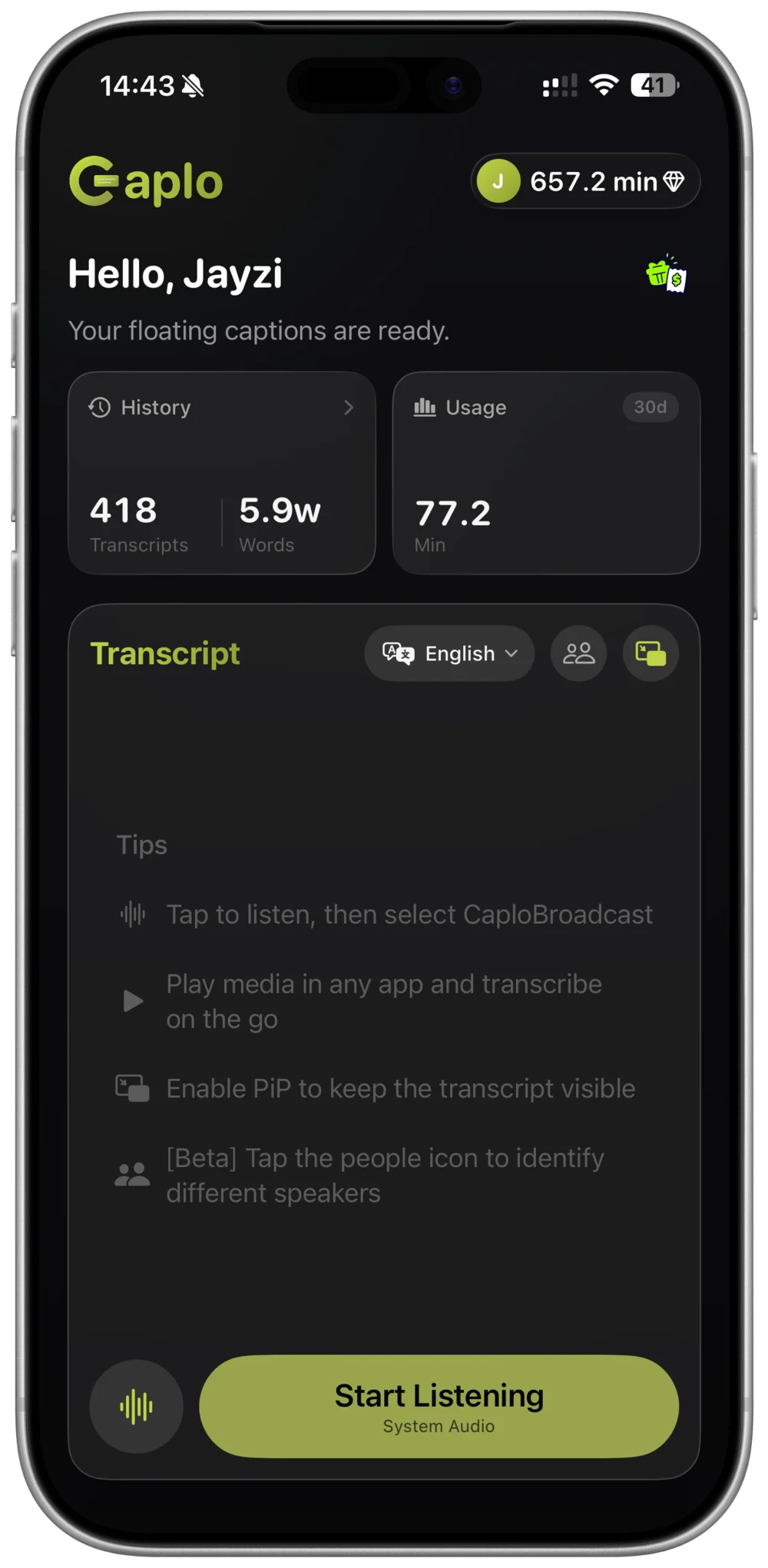
Keep the webcast playing on the same iPhone or iPad. Caplo listens to the audio and shows translated captions in a Picture-in-Picture window above the player.
- STEP 01
Choose your language
Select the language you want to read. Caplo detects the spoken language automatically.
- STEP 02
Start system audio
Start Caplo's iOS screen broadcast, then return to the webcast and press play.
- STEP 03
Follow along
Keep the floating captions in view while you listen to the remarks and the Q&A.
Tips for following an earnings call
Earnings calls move quickly. A few habits make it easier to keep up.
Start a few minutes early
Open the webcast and start Caplo before the call begins, so captions are already running when management starts speaking.
Place the caption window
Move the Picture-in-Picture captions to a corner where they don't cover the slides or player controls.
Stay with the Q&A
The analyst Q&A switches quickly between speakers. Keep captions in view to follow each question and answer.
Keep the earnings release handy
Use the company's earnings release for exact figures, and the captions to follow the discussion around them.
Review and export your session
Caplo saves each session to your history and syncs it through your iCloud account. Browse the captions, copy key passages, or export the session as Markdown for your notes.
A typical earnings call runs about an hour. Caplo Pro includes 600 minutes per month, and one-time credit packs never expire and stack with Pro.
View plans and minutesEarnings call caption FAQ
Do earnings calls have live subtitles?
Caption options depend on each company's webcast player, and a version in your language may not be offered. Caplo adds live translated captions from the webcast audio on your iPhone or iPad.
Can I translate an earnings call into Chinese or Japanese?
Yes. Choose Simplified Chinese, Japanese, or another language as your reading language. Caplo supports 60 languages.
Can I use Caplo with an earnings call replay?
Yes. Play the replay from the company's investor relations website and start Caplo the same way as for the live call.
Can I keep a record of the call?
Caplo saves your session automatically. You can revisit it later, copy text, or export it as Markdown.
Does Caplo work on iPad?
Yes. On iPad the transcript uses a wider two-pane layout, and captions can float above the webcast in a Picture-in-Picture window.
Get your captions ready for the next earnings call
Choose your reading language, open the webcast, and follow every part of the call with Caplo on iPhone and iPad.
Download Caplo on the App Store