

VTuber guide
Watch Japanese VTuber streams with live translated captions
Follow hololive, NIJISANJI, and other Japanese VTuber streams as they happen. Caplo turns the stream audio into translated captions that float over YouTube on your iPhone or iPad.
みんな、今日も来てくれてありがとう!
Thanks for coming again today, everyone!
Example caption.
How to watch a Japanese VTuber stream with translated captions
Open the stream in the YouTube app, start Caplo, and choose the language you want to read. Caplo listens to the stream audio through iOS screen broadcast and shows translated captions in a floating window, so you can follow the talk, the games, and the jokes in real time.
Open the stream
Play the live stream or the archive in the YouTube app on your iPhone or iPad.
Start Caplo
Pick your reading language, start the screen broadcast, then return to YouTube.
Read and review
Follow the floating captions during the stream and revisit the saved session afterward.
Why Japanese live streams have no captions on YouTube
YouTube's automatic captions for live streams are currently available in English only, so a Japanese stream has no caption track to translate while it is live. Fan translations in chat appear mostly on the biggest streams. Caplo translates the stream audio directly, so you can follow Japanese streams in your language.
- YouTube Help: automatic captions
YouTube's page on automatic captions, including live stream availability.
- hololive production talents
Official hololive talent list with links to each channel.
- NIJISANJI talents
Official NIJISANJI talent list with links to each channel.
Caplo is an independent app and is not affiliated with YouTube, hololive production, or NIJISANJI.
Set up your captions
Translate the stream with Caplo
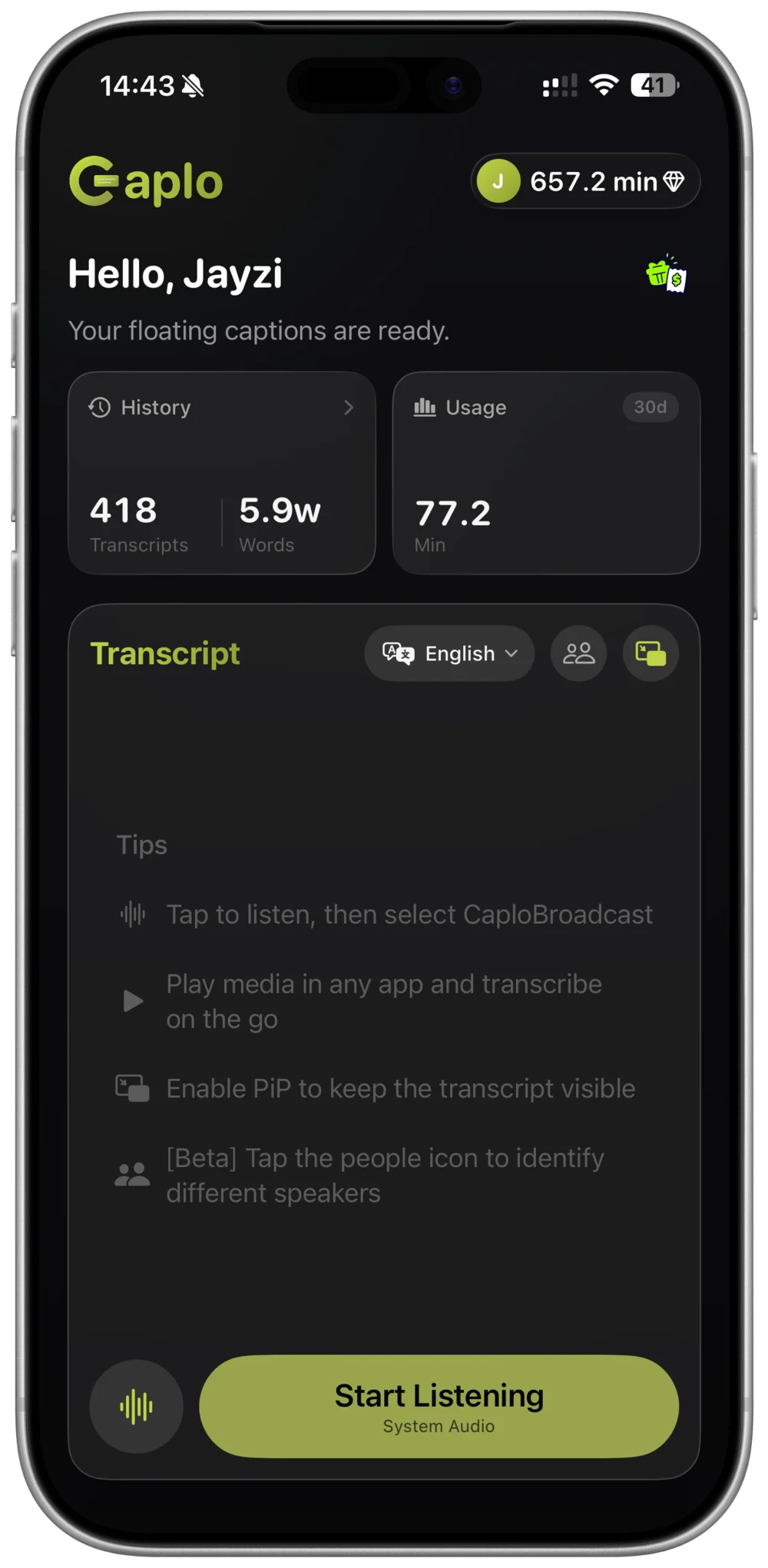
Keep the stream playing in the YouTube app on the same iPhone or iPad. Caplo listens to the audio and shows translated captions in a Picture-in-Picture window above the stream.
- STEP 01
Choose your language
Select the language you want to read. Caplo detects the spoken language automatically.
- STEP 02
Start system audio
Start Caplo's iOS screen broadcast, then return to the stream in YouTube.
- STEP 03
Follow along
Keep the floating captions in view while you watch the stream.
Tips for following a VTuber stream
A few habits make Japanese streams easier to follow with captions.
Start in the waiting room
Open the stream's waiting room and start Caplo before it goes live, so captions are running from the first greeting.
Place the caption window
In portrait view, move the Picture-in-Picture captions over the chat area so the stream stays fully visible.
Talk streams read best
Chatting (zatsudan) streams and Q&A segments are the easiest to follow with captions.
Catch up with the archive
Missed the live? Play the archive and start Caplo the same way.
Review and export your session
Caplo saves each session to your history and syncs it through your iCloud account. Browse the captions, copy favorite moments, or export the session as Markdown.
Caplo Pro includes 600 minutes per month, and one-time credit packs never expire and stack with Pro.
View plans and minutesVTuber stream translation FAQ
Why doesn't YouTube show captions on Japanese live streams?
YouTube's automatic captions for live streams are currently English only. Caplo translates the Japanese audio itself, so you get captions while the stream is live.
Can I translate hololive streams into English?
Yes. Choose English as your reading language. Caplo detects the spoken language automatically and supports 60 languages.
Does it work with stream archives?
Yes. Play the archive in the YouTube app and start Caplo the same way as for a live stream.
Can I keep a record of the stream?
Caplo saves your session automatically. You can revisit it later, copy text, or export it as Markdown.
Does Caplo work on iPad?
Yes. On iPad the transcript uses a wider two-pane layout, and captions can float above YouTube in a Picture-in-Picture window.
Understand your oshi's next stream
Choose your reading language, open the stream, and follow every moment with Caplo on iPhone and iPad.
Download Caplo on the App Store