

Live-stream guide
Weverse Live Translation Not Working? How to Get Live Captions on iPhone
Check the subtitle options Weverse provides for that LIVE first. If subtitles are unavailable, delayed, or not in a language you understand, use live translation as a fallback.
오늘 와 주셔서 정말 고마워요.
Thank you so much for joining today.
Quick answer
A missing subtitle option does not always mean the Weverse app is broken.
Subtitle availability and languages vary by each LIVE. Open the player menu and check what that video offers. If the LIVE has no suitable subtitle track, Caplo can turn available app audio into live translated captions while you watch on the same iPhone or iPad.
Official options first
Check Weverse subtitles before using a fallback
These checks help you tell the difference between a setting you can fix and a LIVE that simply does not provide the captions you need.
- 01
Open the subtitle menu
In the Weverse app, open the playback screen and tap the More menu (⋮) at the top right. On the web player, use Settings (⚙) at the bottom right. Choose a subtitle language if one is listed.
- 02
Check availability for this specific LIVE
Weverse says live subtitles may not be provided depending on production conditions, and the later VOD can have different subtitle content. Test another video before assuming your app has failed.
- 03
Confirm access to automatic subtitles
Some automatic real-time subtitles are offered as Digital Membership benefits. Supported languages can vary by the LIVE, and subtitles may be delayed or inaccurate. Confirm the notice for the artist and your active membership when the feature is membership-only.
- 04
Report a real subtitle error
If a listed subtitle language will not load or is clearly wrong, send Weverse Support the media title or URL and a precise description of the problem.
Use official Weverse subtitles whenever they are available: they may be prepared for the event and usually provide better names, timing, and context than live machine translation.
Choose your path
Use the best caption source available
The right fix depends on whether the LIVE offers a subtitle track in your language.
If subtitles are listed
The language exists but will not display
Retry the player, test the VOD, and report a reproducible error to Weverse.
Continue official checksIf subtitles are missing
No suitable language is offered
The LIVE plays normally, but no caption track covers the language you need.
Use live translationTranslation fallback
Add live translated captions with Caplo
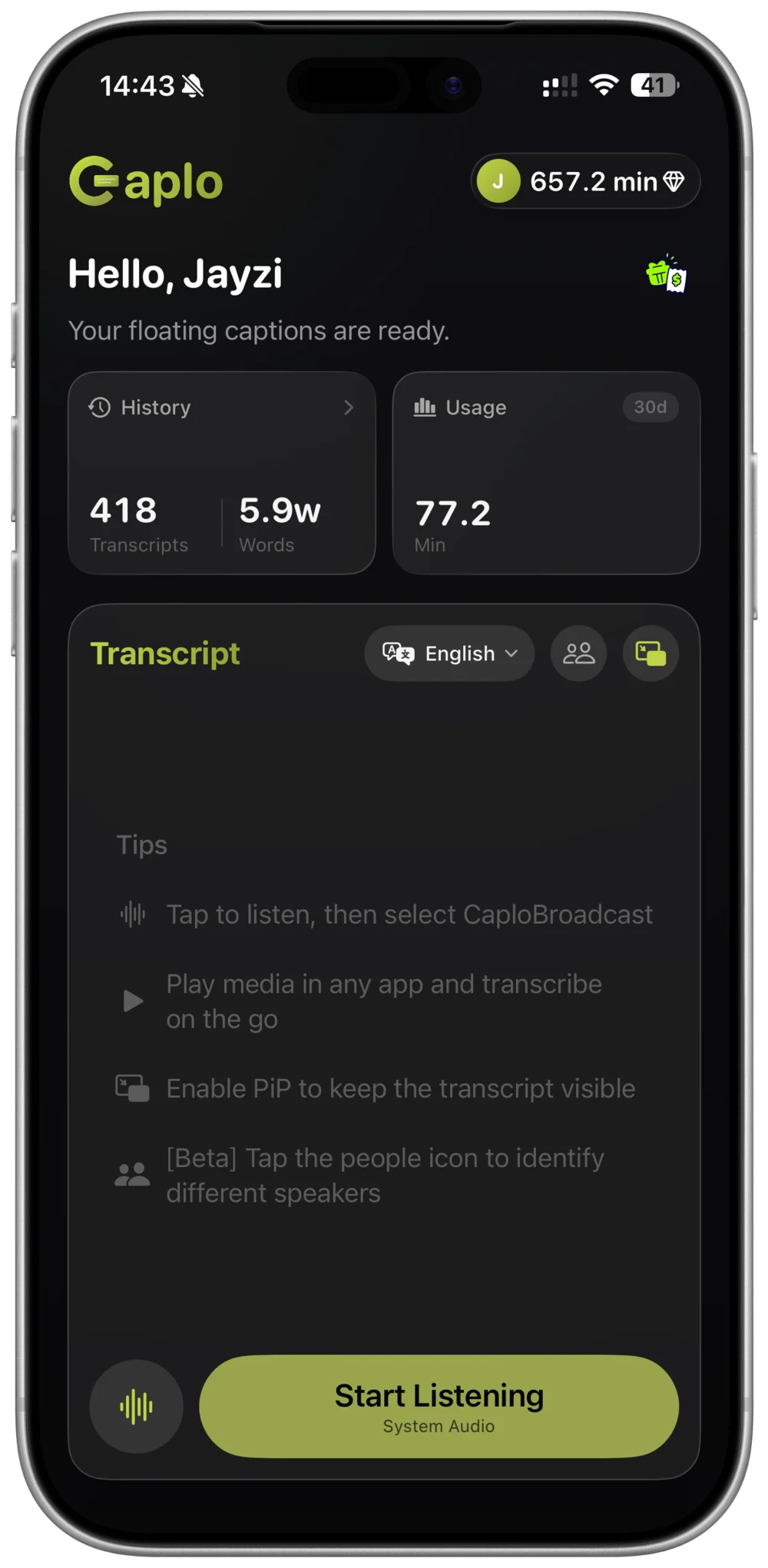
Caplo listens to audio made available through iOS Screen Broadcast and shows translated speech in a floating Picture-in-Picture caption window while you watch Weverse.
- STEP 01
Choose languages
Select the language spoken in the LIVE and the language you want to read.
- STEP 02
Start system audio
Start Caplo's iOS screen broadcast, then return to Weverse and play the LIVE.
- STEP 03
Confirm and watch
Check that speech is reaching Caplo, then keep the translated captions visible in PiP.
Know the tradeoffs
Weverse subtitles or Caplo live translation?
Official subtitles remain the first choice. Caplo is a viewing aid for missing languages and subtitle gaps.
- Availability
- Weverse subtitles: Depends on the LIVE and access
- Caplo translation: Generated from available app audio
- Names and context
- Weverse subtitles: Usually the better option
- Caplo translation: May miss names or fan terminology
- Timing and accuracy
- Weverse subtitles: Can still be delayed
- Caplo translation: AI-generated and may lag or make mistakes
Limitations: Fast speech, music, overlapping voices, weak audio, and artist-specific terms can reduce recognition or translation accuracy. Some apps or protected media may restrict audio available to iOS Screen Broadcast.
Caplo translates spoken audio; it does not translate comments, chat, or on-screen text. Caplo is an independent product and is not affiliated with or endorsed by Weverse.
Common questions
Weverse LIVE caption FAQ
Does every Weverse LIVE include real-time subtitles?
No. Weverse states that live subtitles may not be available depending on the production environment, and supported languages can differ between broadcasts.
Why are captions available on the VOD but not during the LIVE?
Live and replay subtitles can be produced differently. A VOD may receive subtitles after the stream ends, so it is normal for the two versions to differ.
Does Caplo translate Weverse comments or chat?
No. Caplo listens to spoken audio made available by the app. It does not read comments, chat messages, banners, or other on-screen text.
Will Caplo be more accurate than official subtitles?
Not necessarily. Use official subtitles first. Caplo is a real-time machine-translation fallback, so names, fast speech, and overlapping voices may be imperfect.
Stay with the LIVE, even when subtitles are missing.
Add live translated captions to available Weverse audio on iPhone and iPad.
Download Caplo on the App Store