

Instagram Live guide
Translate Instagram Live with real-time captions on iPhone
When your favorite idol goes live on Instagram, read what they say in your language. Caplo turns the Live's audio into translated captions that float over Instagram while you keep watching.
와, 진짜 오랜만이다! 다들 잘 지냈어?
Wow, it's been so long! Have you all been well?
Example caption.
How to translate an Instagram Live on iPhone
Open the Live in the Instagram app, start Caplo, and choose the language you want to read. Caplo listens to the Live's audio through iOS screen broadcast and shows translated captions in a floating window, so you can follow along in real time while the Live keeps playing.
Open the Live
Join the Instagram Live on your iPhone or iPad with the sound on.
Start Caplo
Pick your reading language, start the screen broadcast, then return to Instagram.
Read and review
Follow the floating captions during the Live and revisit the saved session afterward.
What Instagram offers for captions and translation
Instagram's AI translation currently covers Reels rather than Live broadcasts, and automatic captions show speech in its original language. To read a Live in another language as it happens, add Caplo's translated captions on top.
- Meta: translated Reels
Meta's announcement of AI translation for Reels on Instagram and Facebook.
- Meta: automatic captions
How automatic captions work across Meta apps.
Caplo is an independent app and is not affiliated with Instagram or Meta.
Set up your captions
Translate the Live with Caplo
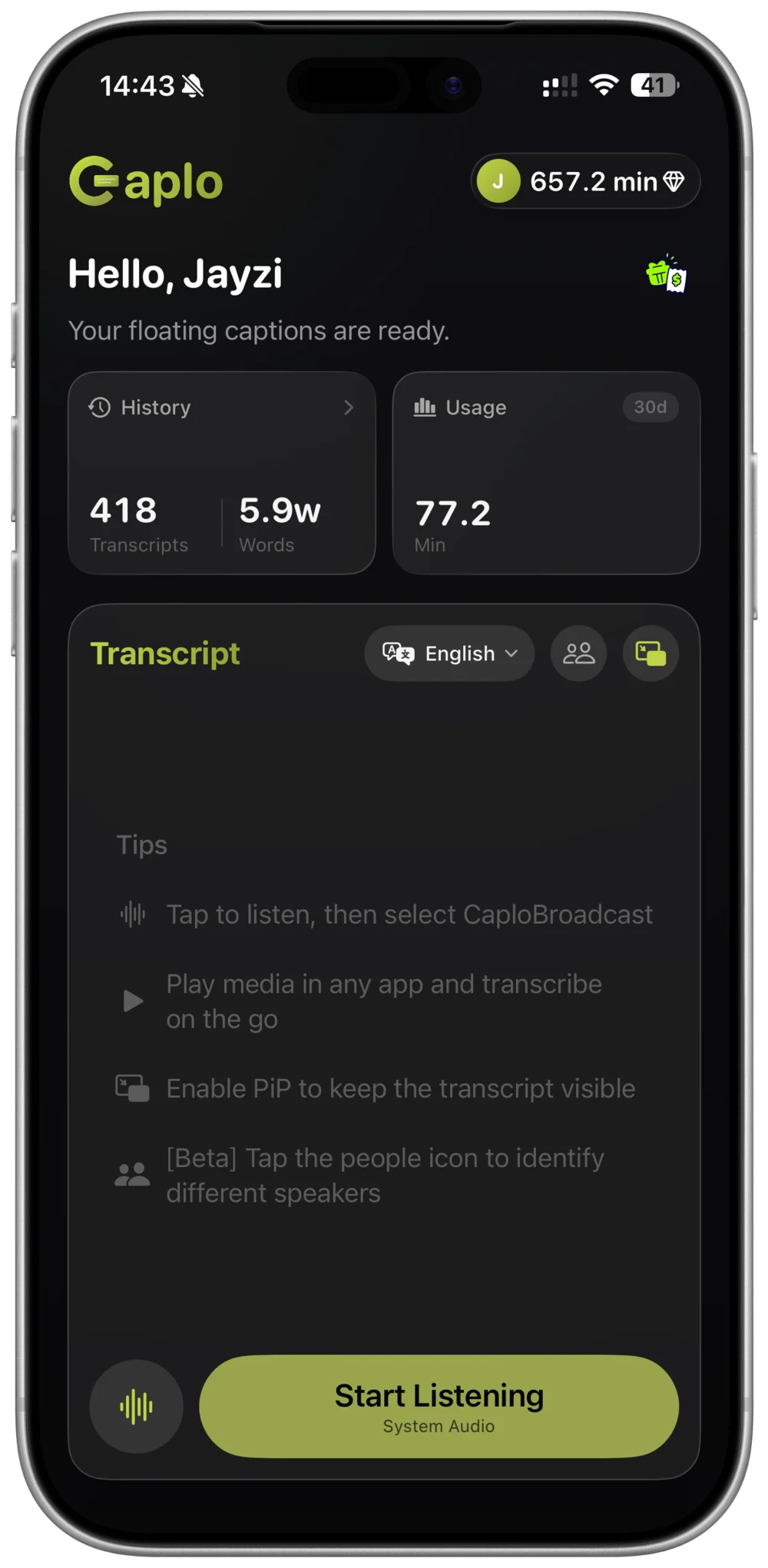
Keep the Live playing on the same iPhone or iPad. Caplo listens to the audio and shows translated captions in a Picture-in-Picture window above Instagram.
- STEP 01
Choose your language
Select the language you want to read. Caplo detects the spoken language automatically.
- STEP 02
Start system audio
Start Caplo's iOS screen broadcast, then return to the Instagram Live.
- STEP 03
Follow along
Keep the floating captions in view while you watch the Live.
Tips for following an Instagram Live
Idol Lives often start with little notice. A few habits help you catch every moment.
Turn on Live notifications
Turn on notifications for your idol's Lives in Instagram so you can open the Live and start Caplo as soon as it begins.
Keep the sound on
Turn off Silent Mode and keep the volume up so the Live's audio plays while Caplo listens.
Place the caption window
Move the Picture-in-Picture captions to a corner where they don't cover the video or the comments.
Catch the replay
If your idol shares the Live replay, play it and start Caplo the same way to read what you missed.
Review and export your session
Caplo saves each session to your history and syncs it through your iCloud account. Browse the captions, copy favorite moments, or export the session as Markdown.
Caplo Pro includes 600 minutes per month, and one-time credit packs never expire and stack with Pro.
View plans and minutesInstagram Live translation FAQ
Does Instagram translate Live broadcasts?
Instagram's AI translation currently focuses on Reels. For Live broadcasts, Caplo adds real-time translated captions from the Live's audio on your iPhone or iPad.
Can I translate a Korean idol's Instagram Live into English?
Yes. Choose English as your reading language. Caplo detects the spoken language automatically and supports 60 languages.
Will I still hear the Live while Caplo translates?
Yes. Caplo listens through iOS screen broadcast, so the Live keeps playing with sound while the captions appear.
Can I keep a record of what was said?
Caplo saves your session automatically. You can revisit it later, copy text, or export it as Markdown.
Does Caplo work on iPad?
Yes. On iPad the transcript uses a wider two-pane layout, and captions can float above Instagram in a Picture-in-Picture window.
Be ready for the next Instagram Live
Choose your reading language, open the Live, and follow every word with Caplo on iPhone and iPad.
Download Caplo on the App Store